SaaS project management, 2025
Foundry Hub
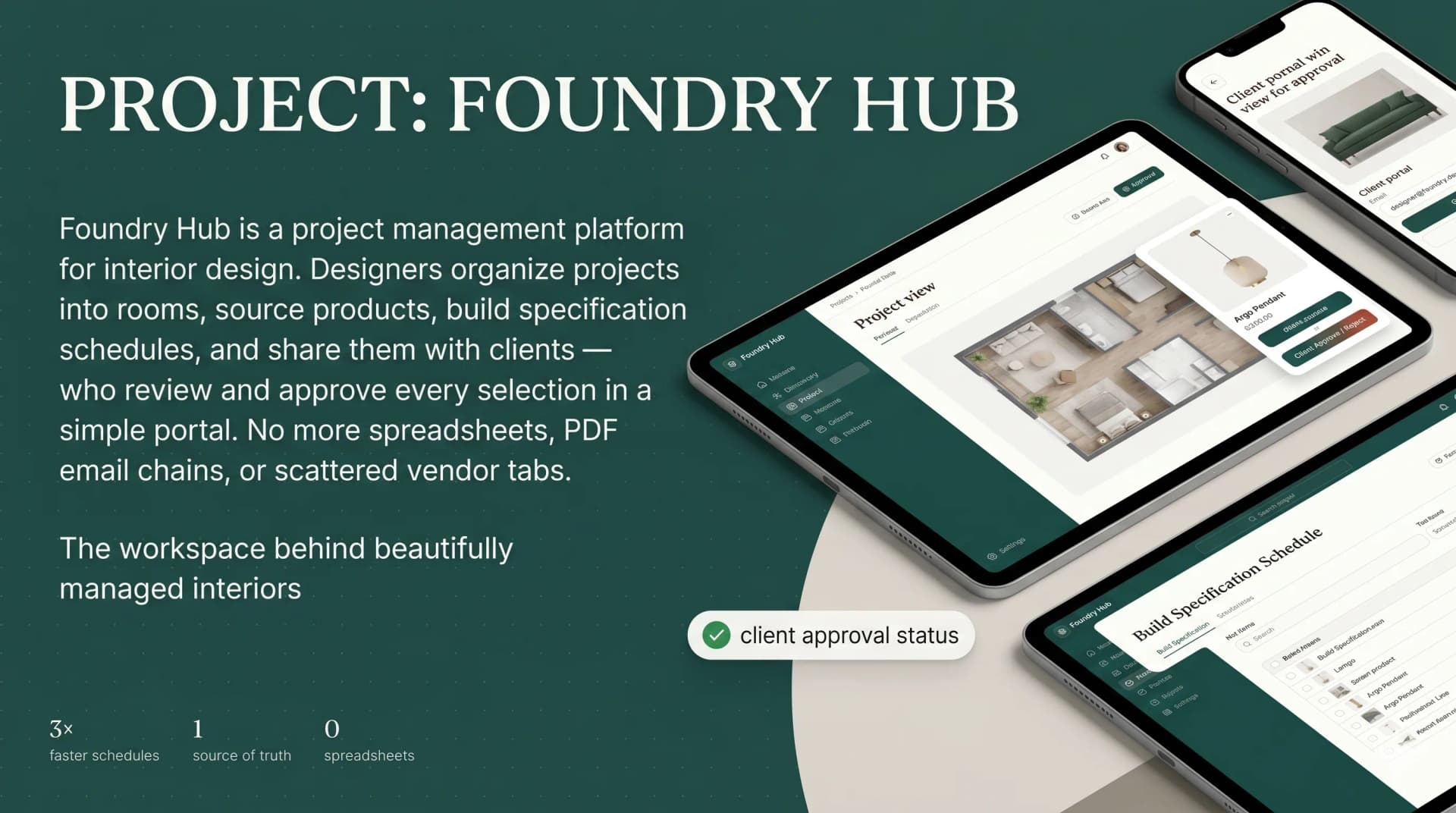
Interior designers were running projects out of spreadsheets, PDF email chains, and a dozen vendor tabs. I built them one platform to source products, build spec schedules, and get every client sign-off in a clean approval portal.
- Client
- Interior design studios
- Role
- Product design and full-stack development
- Stack
- Next.js, TypeScript, Node.js, PostgreSQL, Background jobs
What it changed
- Paste a vendor URL and a fully built product card arrives in about ten seconds, imported as a background job.
- Spec schedules export to a client-ready PDF in one click instead of an evening in InDesign.
- Two roles on one platform: a full workspace for designers and a two-button review portal for clients.
The problem
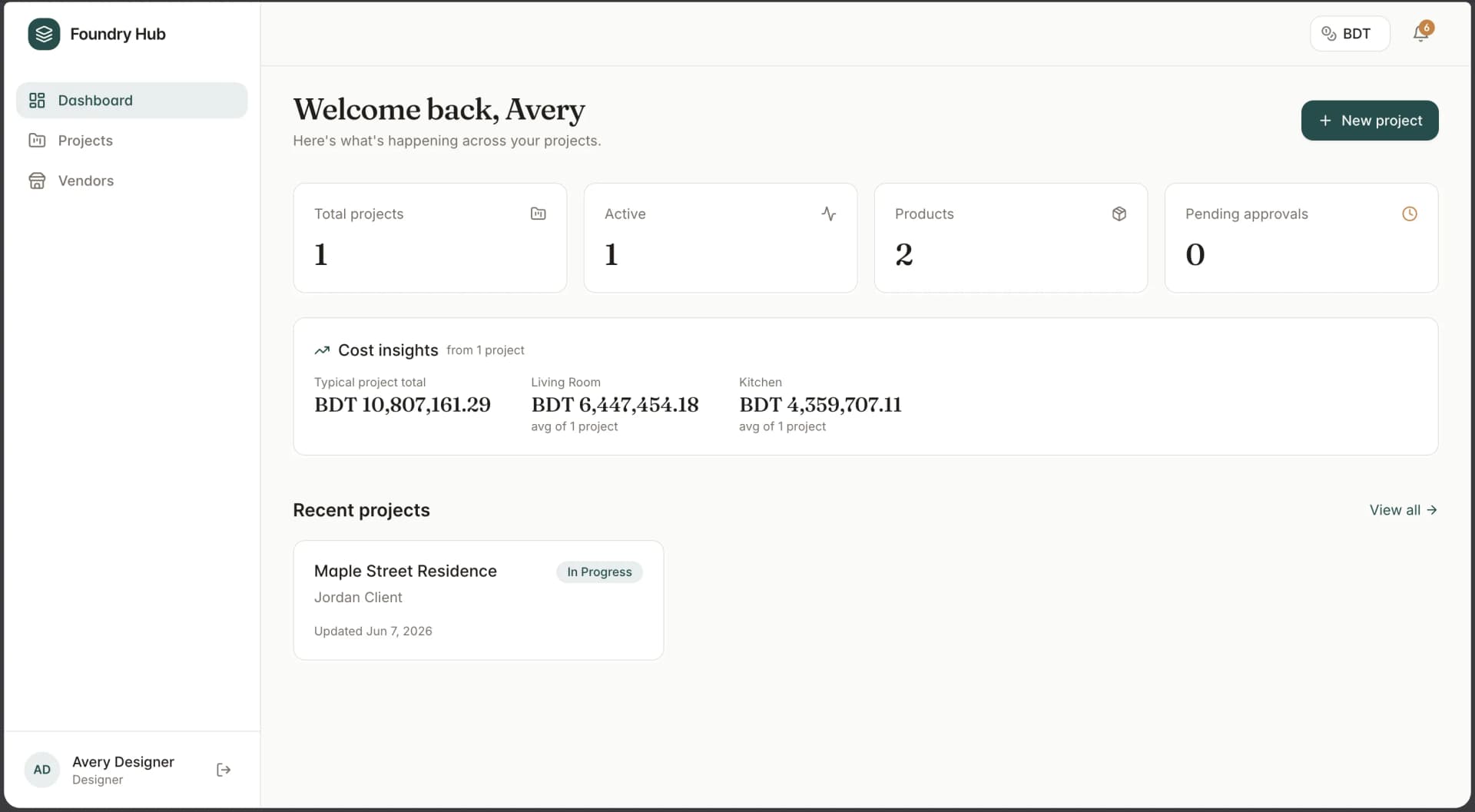
A designer's selections lived in three places at once: a spreadsheet of products, a folder of PDFs emailed back and forth, and a dozen browser tabs of vendor pages. Client approvals happened over email and got lost. Nothing was the single source of truth.
Structure that mirrors the work
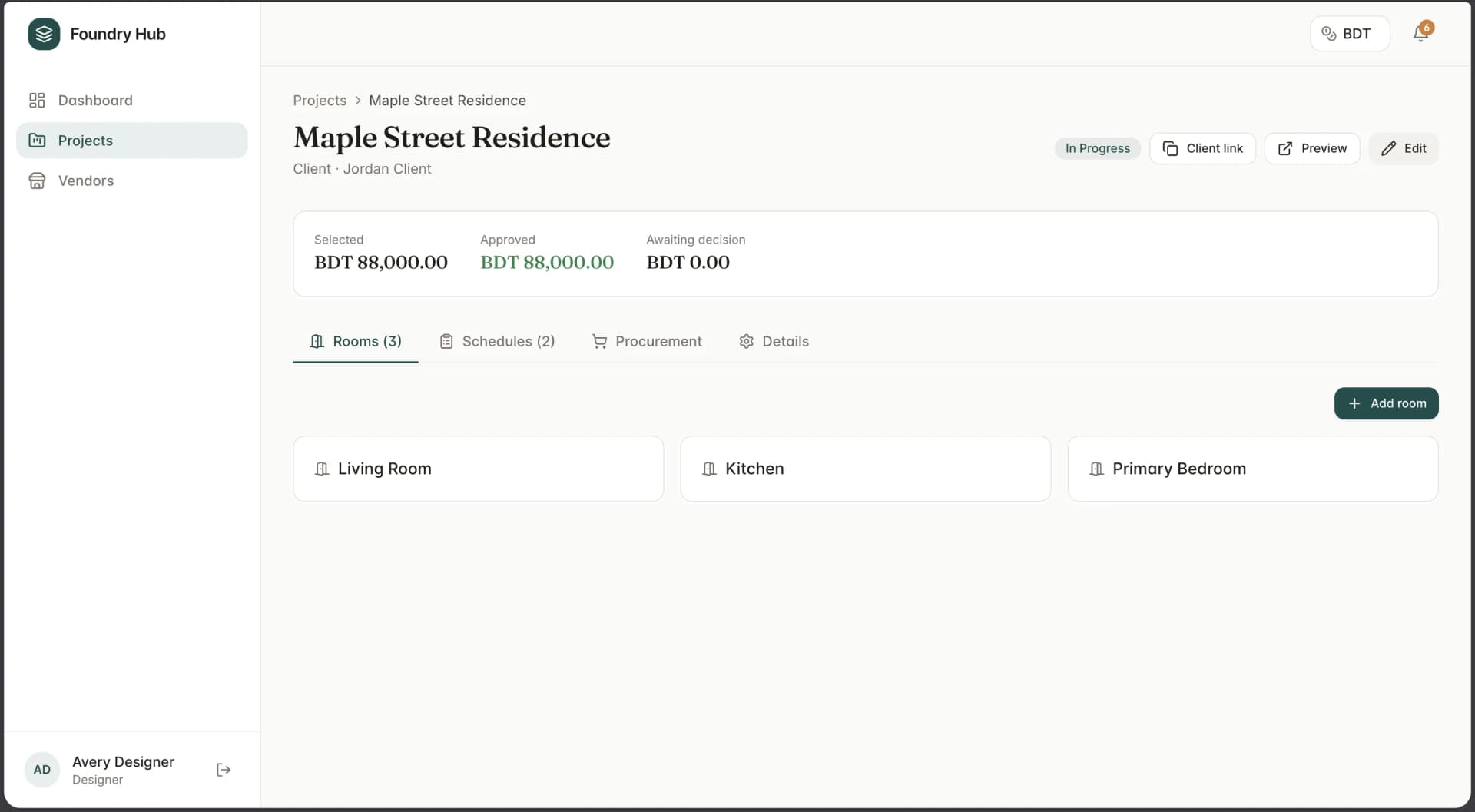
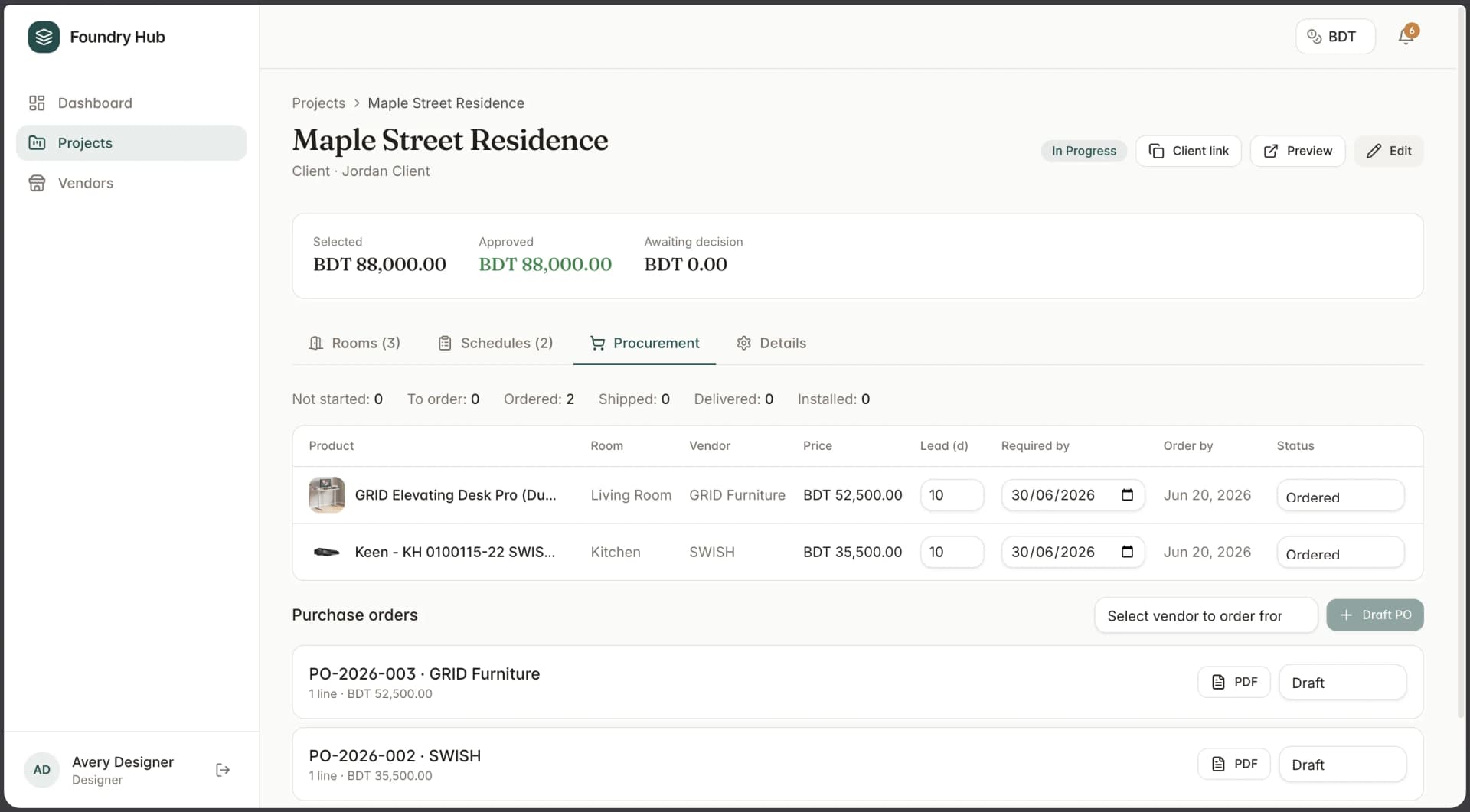
Interior projects are organised by space, so the app is too. A project breaks into rooms, and each room holds its own grid of products with images, vendors, prices, and approval status. Status, client assignment, and a copyable client link live in tidy tabs so the workspace never feels like a database.
Sourcing without the chaos
Paste a product link from almost any vendor site and Foundry Hub scrapes the name, images, price, dimensions, and specs in the background, usually inside ten seconds. Imports run as jobs with live status, so the designer keeps working while cards fill themselves in. When a site cannot be read, manual entry is one click away.
The deliverable and the client's side
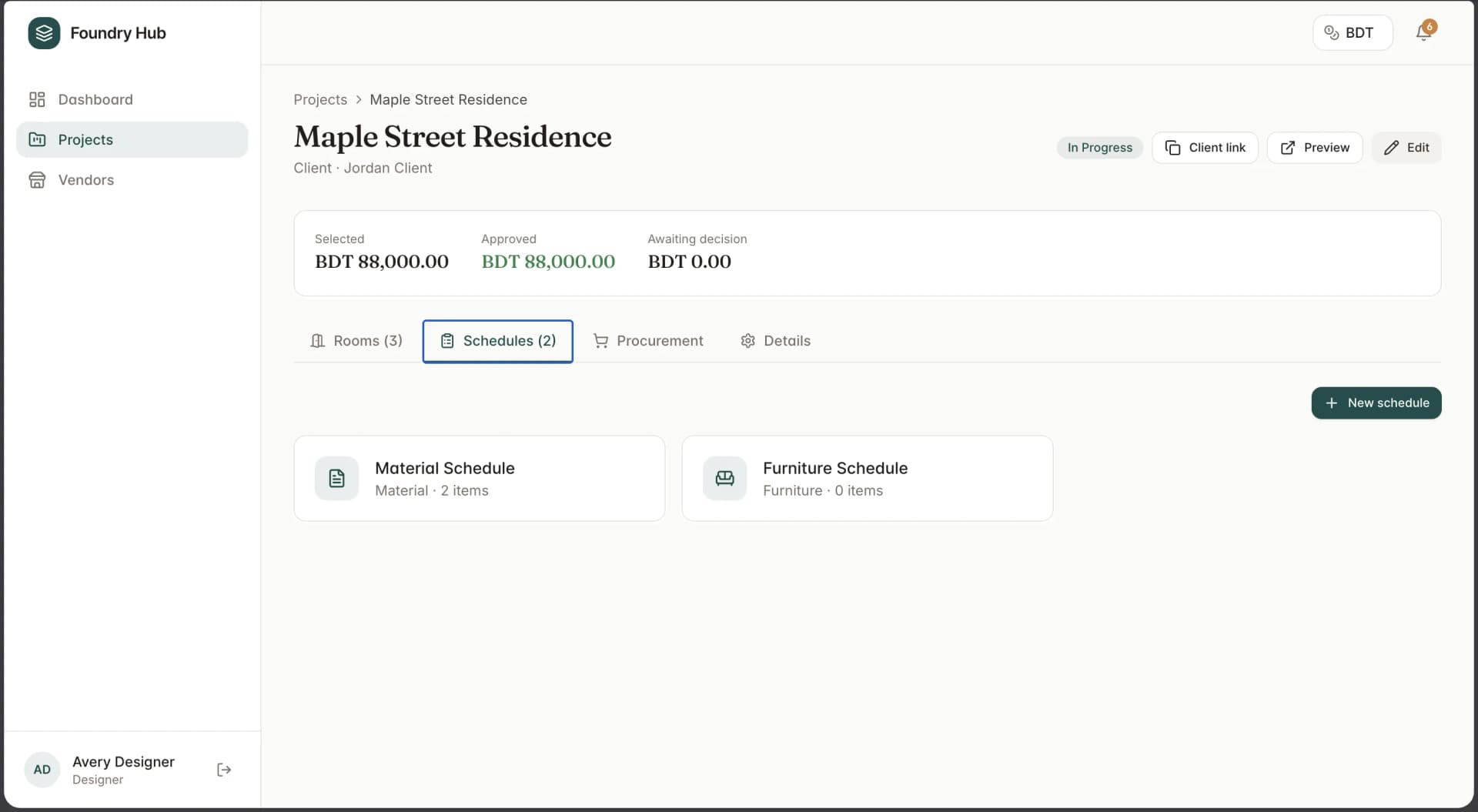
A schedule is what a designer hands off: a numbered specification sheet. Designers drag products into order, group them by type, and the numbering keeps itself straight. One button exports a clean, image-rich PDF.
Clients see only what is theirs, grouped by room, with a photo, price, and approval badge per product. Approve or reject, and the designer is notified instantly. Comments let clients ask about a fabric or flag a budget concern on the product itself.